Troubleshooting the garage access point

Troubleshooting the garage access point

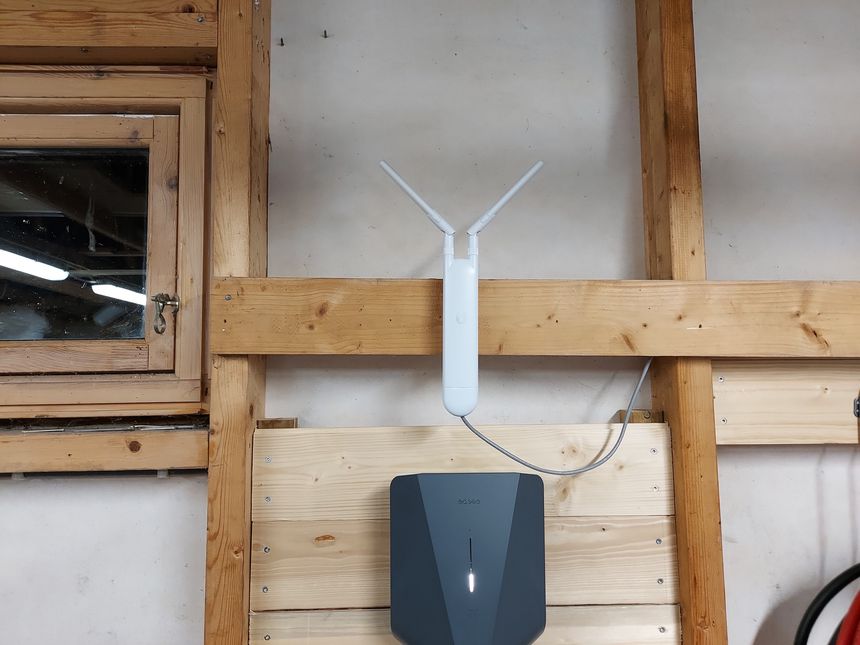
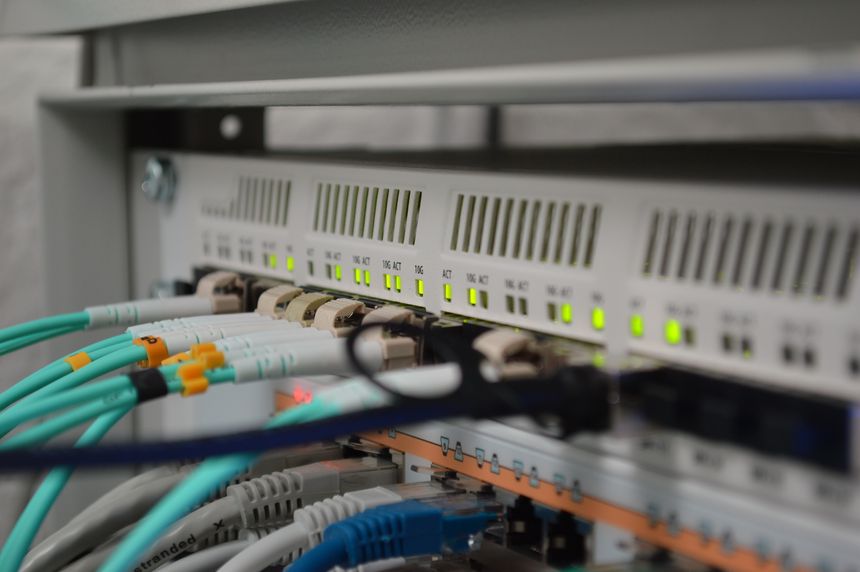
Ever since I ran a underground CAT6 to my garage — my Unifi UAP-AC-M access point have been acting strange…

I initially noticed that whenever I was close to the garage; I would loose internet connectivity for a few seconds. At first I just thought it was an area with poor coverage, but looking at the signal strengths that didn’t make any sense.
Read more →

Plans for my home network

Plans for my home network

I’ve written a few posts now about my Home network v2 project. What’s the plan? Let’s go through that now.

Read more →

Running underground CAT6 to detached garage

Running underground CAT6 to detached garage

I dug a 10 meter trench to get wired network to my detached garage. Then installed a rack cabinet and PoE switch. Here is the build log 👇

Read more →

Mapping the Wi-Fi coverage in my house and garden

Mapping the Wi-Fi coverage in my house and garden

I walked around my house, and garden — measuring the Wi-Fi signal. Here are the results 👇

Read more →

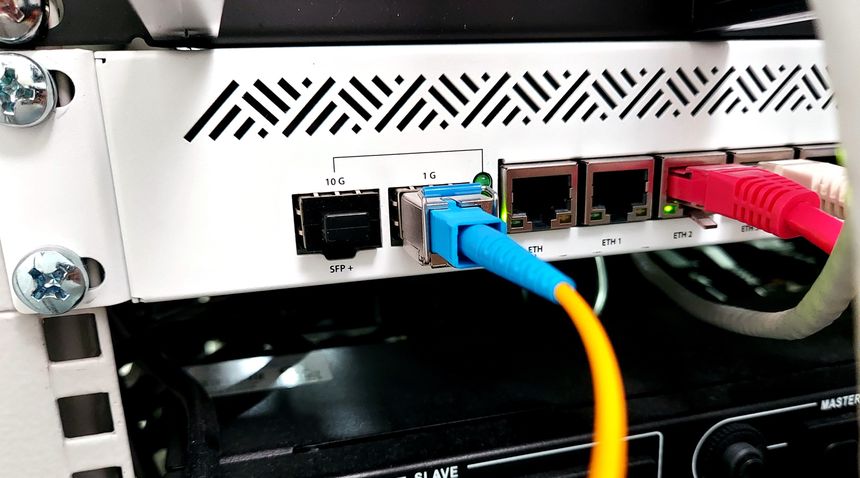
Altibox fiber — straight into Mikrotik CCR1009

Altibox fiber — straight into Mikrotik CCR1009

Ever since I got the fiber installed last year, the plan has been to drop the ISP box and plug it straight into my router. That’s why I had the fiber terminated in my patch panel.

I’ve been reluctant to do it, since messing with the internet needs to be done while the rest of the house is sleeping. And I was unsure what SFP module to use. I did buy the Ubiquiti UF-SM-1G-S pair, planning to use it with my EdgeRouter.

But I ended up using the SFP module that came with the ISP box, and my new MikroTik CCR1009.

The swap was super easy and only took a few minutes 😃

Read more →

Getting started with MikroTik CCR1009 and RouterOS

Getting started with MikroTik CCR1009 and RouterOS

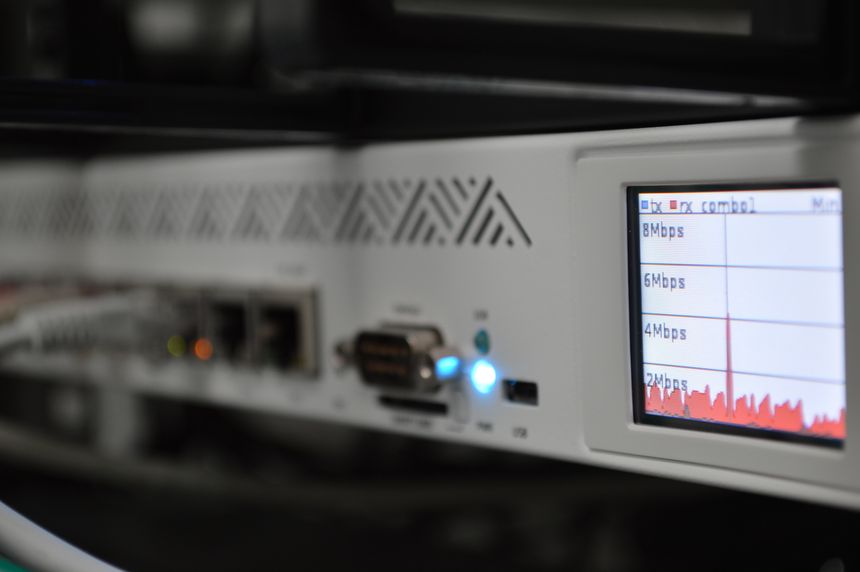
When I began replacing my Unifi switches with MikroTik — I was very impressed with the MikroTik devices. So when I found a CCR1009-7G-1C-1S Core router, second hand, for a reasonable price — there was no reason not to buy it.

RouterOS seemed daunting at first; so I watched a lot of YouTube videos from The Network Berg, which increased my confidence 🙂

Read more →

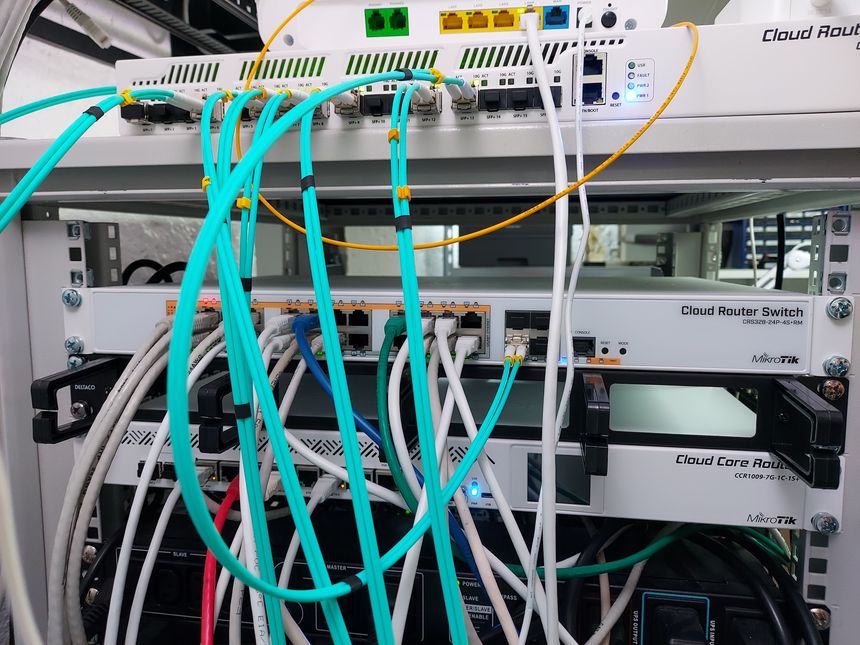
Replacing Unifi switches with MikroTik

Replacing Unifi switches with MikroTik

The last month or so I’ve been replacing my Ubiquity Unifi switches. It’s part of a complete network rebuild — more posts will follow…

Four years ago; when I first got into the Unifi system, I loved the single pane of glass admin interface. But now I feel that the interface is too glossed over, prioritizing looks over function. The new Unifi controller UI is just terrible…

I like networking, it’s one of my hobbies. I want VLANs to be named VLANs, not network isolation.

Read more →

Getting started with EVE-NG

Getting started with EVE-NG

I’ve been familiarizing myself with MikroTik equipment recently, especially RouterOS — in a quest to learn and understand more about networking.

During that process I found the YouTube channel The Network Berg, which have been tremendously helpful. I noticed that he used EVE-NG for all his demos and tutorials. It’s a tool to emulate a virtual network environment.

So I set up my own EVE-NG server, here is how 👇

Read more →

My home Ethernet wiring

My home Ethernet wiring
Home network, screen shot from the Unifi controller

When we bought our house last year; it had lots of coax and telephone outlets, with conduit in the wall connecting them. I have no use for these outlets, but the wall boxes and conduits can be repurposed for Ethernet cables 🙂

All Ethernet cables goes to the patch panel in my home office.

Read more →

Hide your homelab IP with a VPS, WireGuard and iptables

Hide your homelab IP with a VPS, WireGuard and iptables

One (potential) downside to running public services on your homelab, is that you expose your IP address. That may, or may not, be a problem — but here are ways around it. The simplest way is to put Cloudflare in front, but this will only handle web traffic, and is a bit of a black box.

Another, more hands-on, approach is to use a VPS (or LXC container); WireGuard and iptables. We will create a secure tunnel between the VPS/container and the homelab HAProxy instance, and forward traffic using iptables.

Read more →