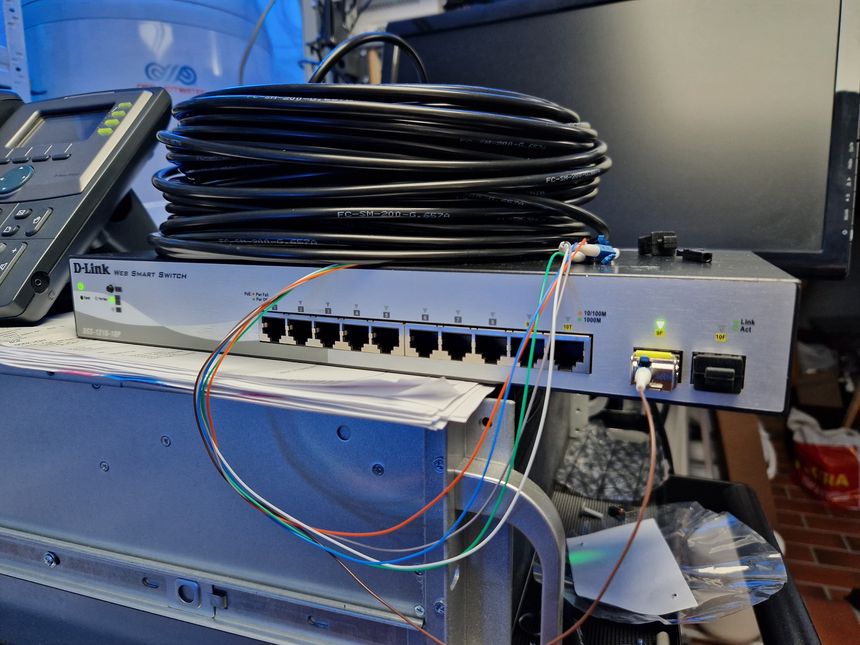
Getting network to the garage is a story with many chapters. I started out with Wi-Fi mesh, then CAT6 — and now, finally, fiber!
Home network v2
My home network 2.0 started with me replacing all my Unifi switches for MikroTik — and looking for a new router. Then followed a lot of network cabling and Wi-Fi improvements, and wrapping up with some IPv6.
TLDR; I’m taking my home network to the next level.
Running CAT6 to the 2nd floor den — another interior wall
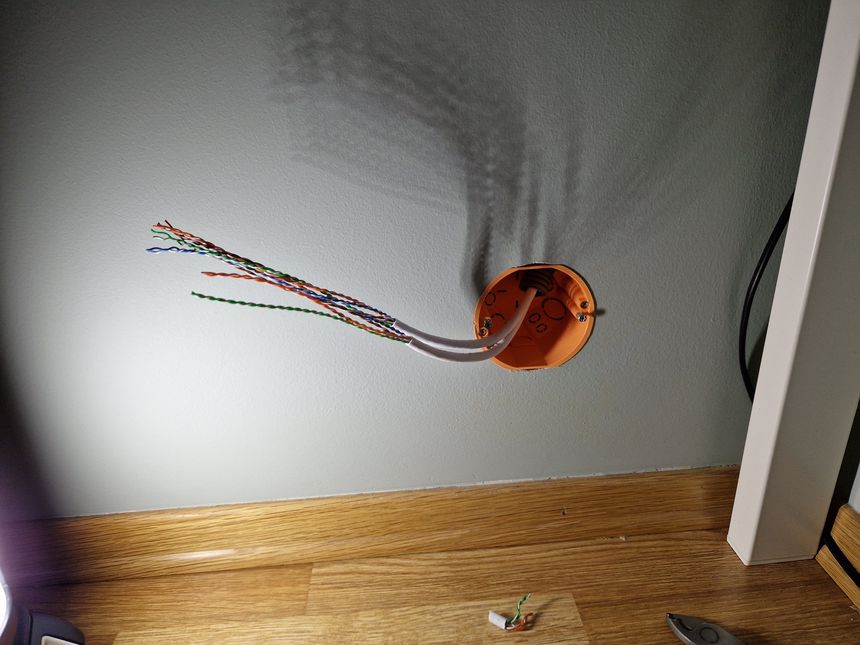
I first got started on the network run from the attic switch to the 2nd floor den — back in October of 2021. I finished it a year later, so it’s about time to get this blog post published 😛
Running CAT6 to the twins’ rooms — inside interior wall
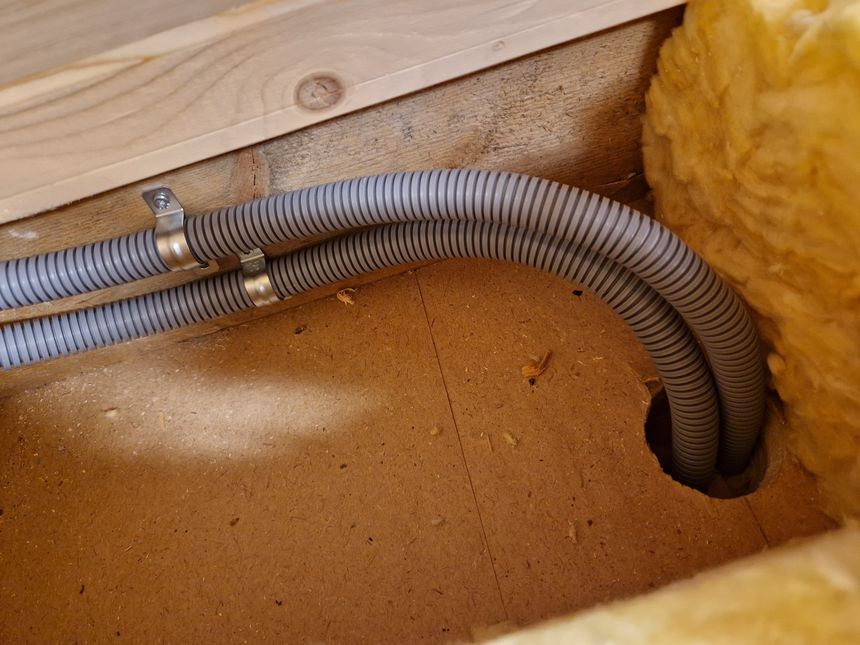
We recently moved the twins into their own bedrooms, after sharing a room for nine years — it was finally time for some privacy 🙂
With their own rooms; they also got their own computers — a life long dream 😉 Those computers needs network, proper network, not Wi-Fi.
Pulling CAT6 cable in existing conduit
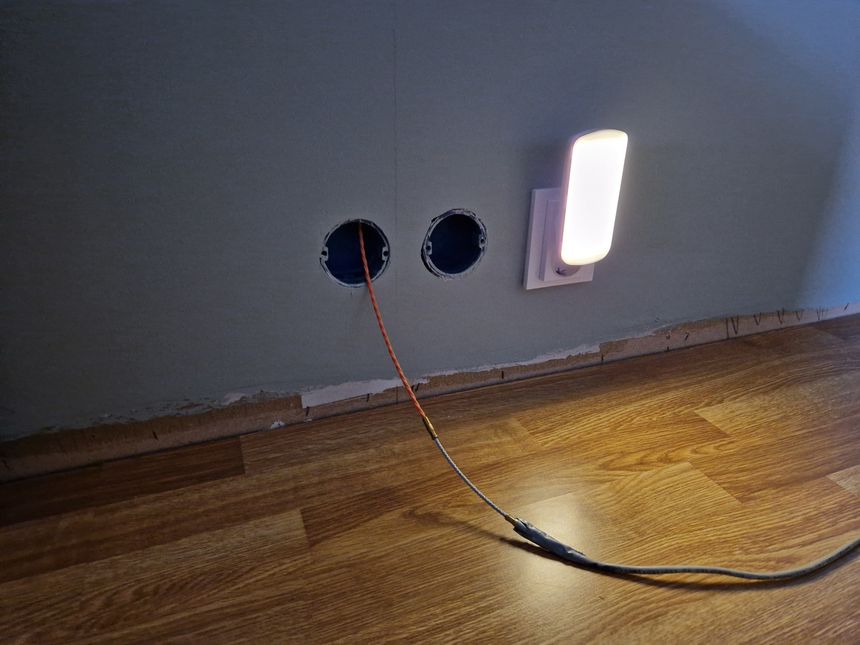
We recently put up a wall in our previous family/play room — to make another bedroom, with a hallway outside. I might want an access point in that hallway at some point.
So I repurposed a telephone outlet and conduit, to run a CAT6 cable from the hallway down to the patch panel in the basement.
Knot Resolver — with ad blocking

I stumbled onto NextDNS recently — it’s like a cloud hosted Pi-hole. I tried it for a few days, but this post isn’t about that.
Reading about the different block lists in NextDNS, and digging deeper into DNS ad blocking gave me motivation to change my current setup — and that is what this post is about 🙂
Updated plans for my home network
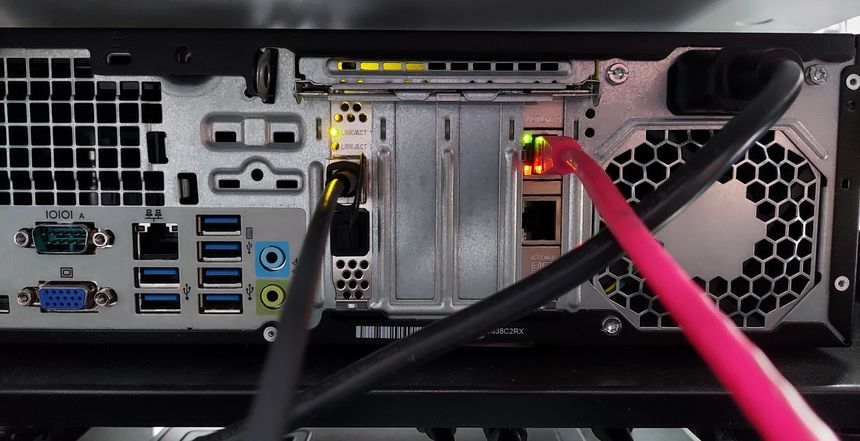
Last year — I wrote about plans for my home network, or home network v2, as I called it. Let’s take a look at what I have done, what remains, and what has changed since then.
A few Wi-Fi improvements
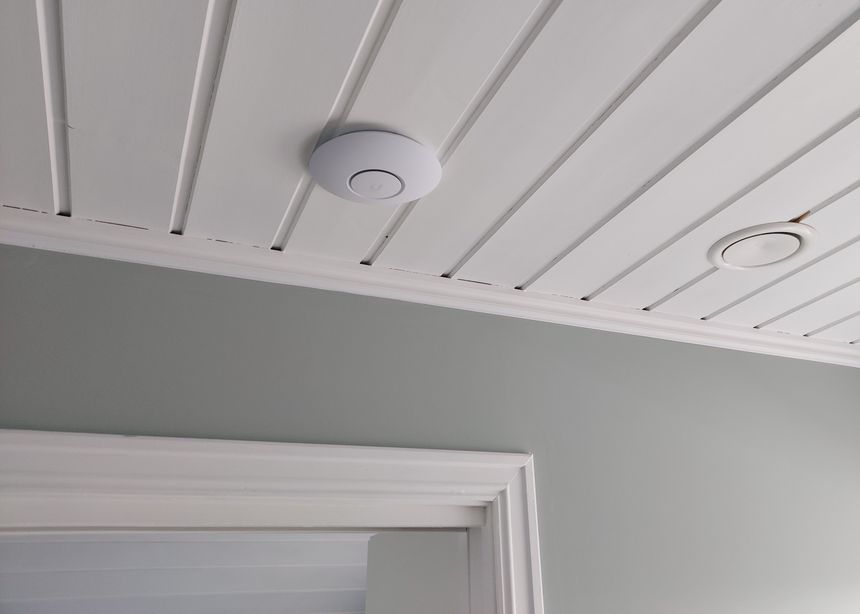
After my Wi-Fi mapping adventure — I found a few spots with low Wi-Fi signal. Both kids’ rooms on the 2nd floor only had mediocre signal, at -67 and -68 dBm 2.4 GHz, and the side garden had -71 dBm — which is terrible!
I also discovered that Mona’s side of the bed had much worse Wi-Fi signal than my side. This was because I had a clear line of sight to the UAP-AC-IW in the den, but the signal to Mona’s side had to go through a wall and her wardrobe…
Simply not acceptable, something had to be done!
Two CAT6 cables and a fiber — from the basement to the attic

Since we first moved into this house — I’ve wanted to ceiling mount a Wi-Fi access point on the 2nd floor. But getting a network cable to the attic was challenging, so instead I opted for a Unifi UAP-AC-IW in the upstairs living room.
It’s time to do it right, but I’m not running just one. My earlier Wi-Fi mapping revealed poor 5 GHz coverage in the kid’s rooms, so I’m running two CAT6 cables — for two ceiling mounted Wi-Fi access points.
To have the option of running more CAT6 to rooms on the 2nd floor later — I’m including a 10 Gbit fiber as well 😎
And as my previous runs — no visible cables.
Altibox fiber — straight into Ubiquiti EdgeRouter
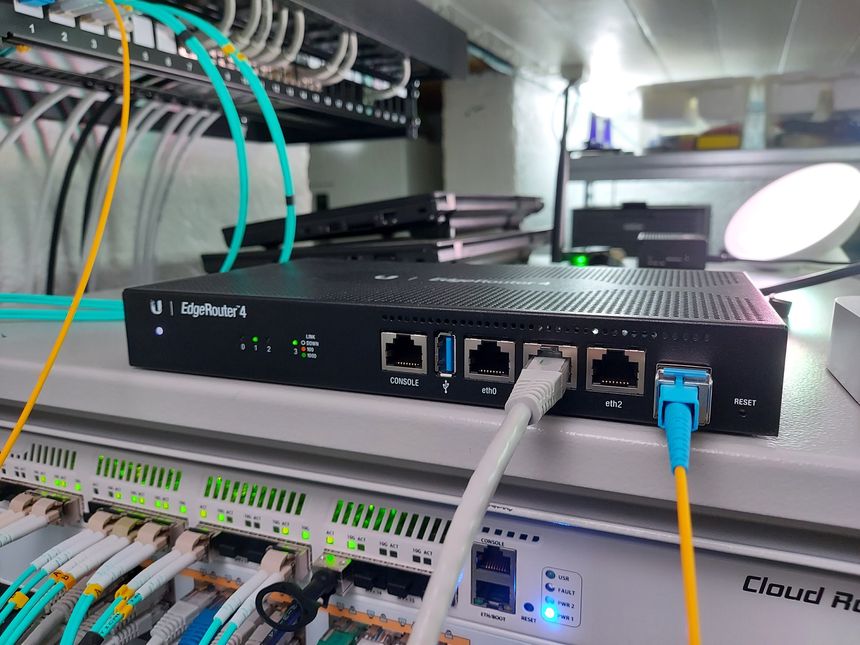
Back in August I wrote about connecting my ISP (Altibox) fiber straight into the Mikrotik CCR1009. I’ve since decided not to include the CCR in my network stack, but instead use my EdgeRouter 4 as, well — the edge router, and VyOS to route the local networks.
So I moved the SFP module and fiber from the CCR — to the EdgeRouter 4 👇
Moving CAT6 cable for access point; inside the wall
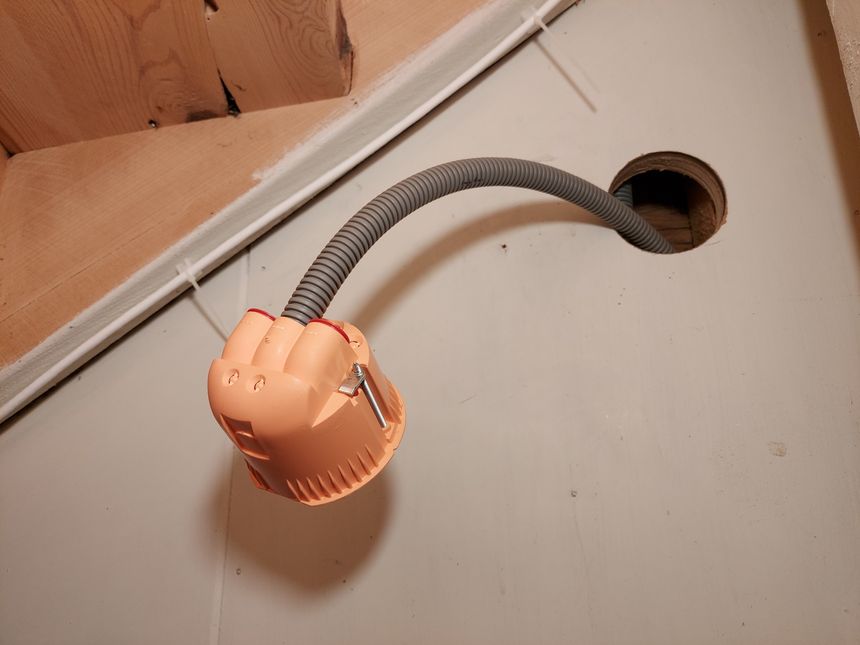
The first network run I did in this house — was to the hallway access point. It ran along the basement stairwell ceiling, through the basement, and into the home office.
Since I’m already running hidden network cables in the same area, I figured why not hide this one as well 🙂
Invisible cables are the best kind of cables!