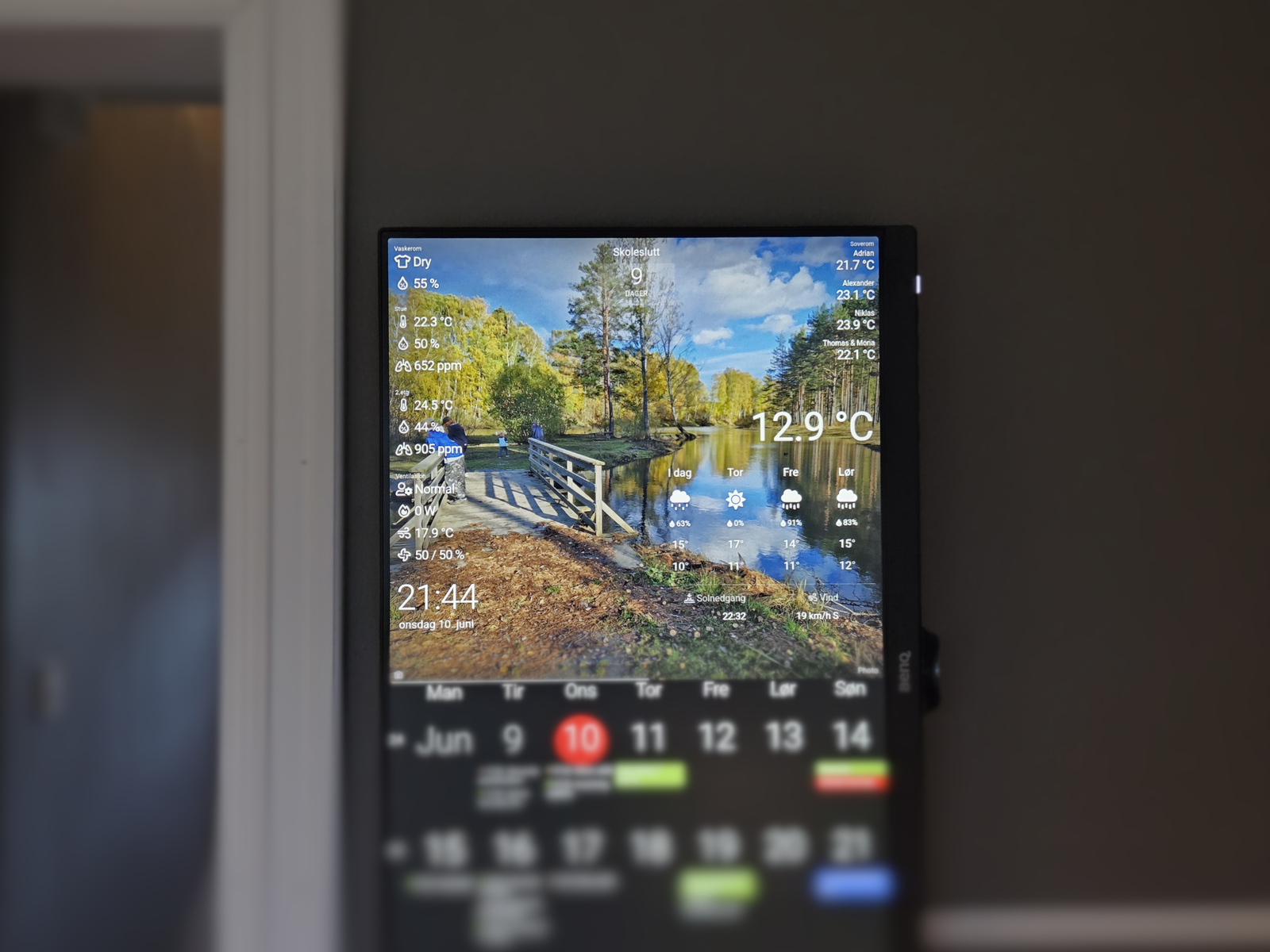
Back in 2021 I added Home Assistant sensor data to our Dakboard monitor. But I did so using a long-lived access token directly on the Dakboard blocks — which is not great for a couple of reasons:
- Tokens have no access scope, meaning they grant full admin access to everything
- The token was stored on Dakboard’s servers
I want Dakboard to be able to pull data from my locally hosted Home Assistant, but I’d like to restrict access.
I did this using Caddy as a reverse proxy 🤓
Home Assistant token
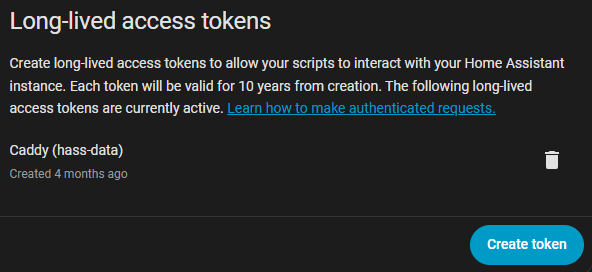
First I deleted the previous token used by Dakboard and created a new one, for use with Caddy.
Caddyfile
Caddy’s role is simple, but effective — it sits between Dakboard and Home Assistant. It uses the long-lived access token to authorize with Home Assistant. But requires a custom auth key on the Dakboard requests, and only allows certain paths:
*.cavelab.net {
    tls {
        dns luadns {
            email ...
            api_key ...
        }
    }

    @hass-data host hass-data.cavelab.net
    handle @hass-data {
        @authorized {
	        header Authorization "Bearer custom-data-auth-key"
	        path \
	            /api/ \
	            /api/states/sensor.laundry_room_info \
	            /api/states/sensor.netatmo_stue \
	            /api/states/sensor.netatmo_2etg \
	            /api/states/sensor.ventilation_info \
	            /api/states/sensor.temperature_bedrooms \
	            /api/states/sensor.garage_outside_temperature
        }

        handle @authorized {
            reverse_proxy docker.lan.uctrl.net:8123 {
                header_up Authorization "Bearer super-secret-hass-key"
            }
        }

        handle {
            error 403
        }
    }
}
I’m using a custom Caddy build which includes LuaDNS module. This allows me to issue wildcard certificates.
A request for the defined paths, and with the correct custom auth key is passed through to Home Assistant. Everything else returns a 403 error.
This means that my Home Assistant long-lived access token is only stored locally — in my Caddyfile.
Dakboard
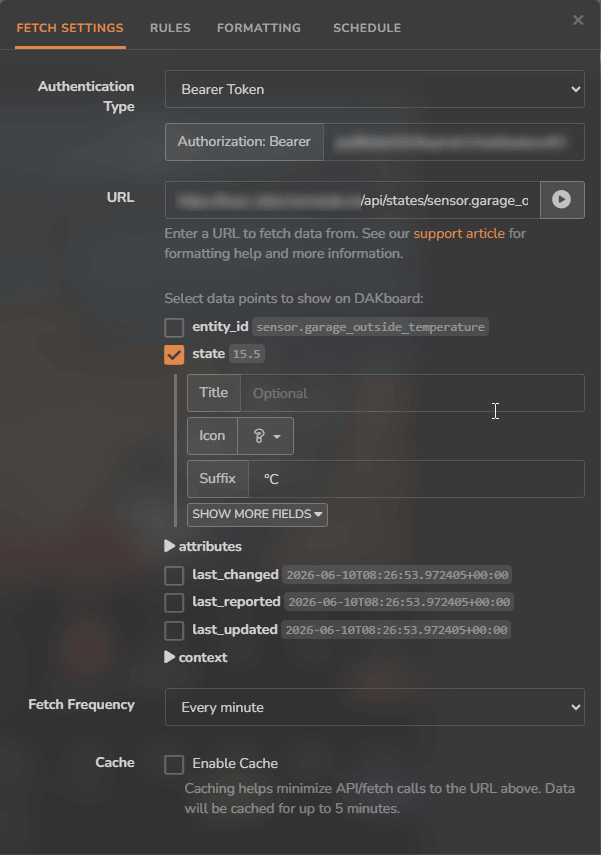
On the external data block in the Dakboard screen, the custom auth key is set on the Authorization: Bearer header, and the hass-data URL is used as the endpoint.
This method will not work if you are using Dakboard’s native Home Assistant widget. The native widget requires access to broader endpoints (like /api/states to discover your devices and /api/services to control them), which my Caddyfile blocks.
The layout
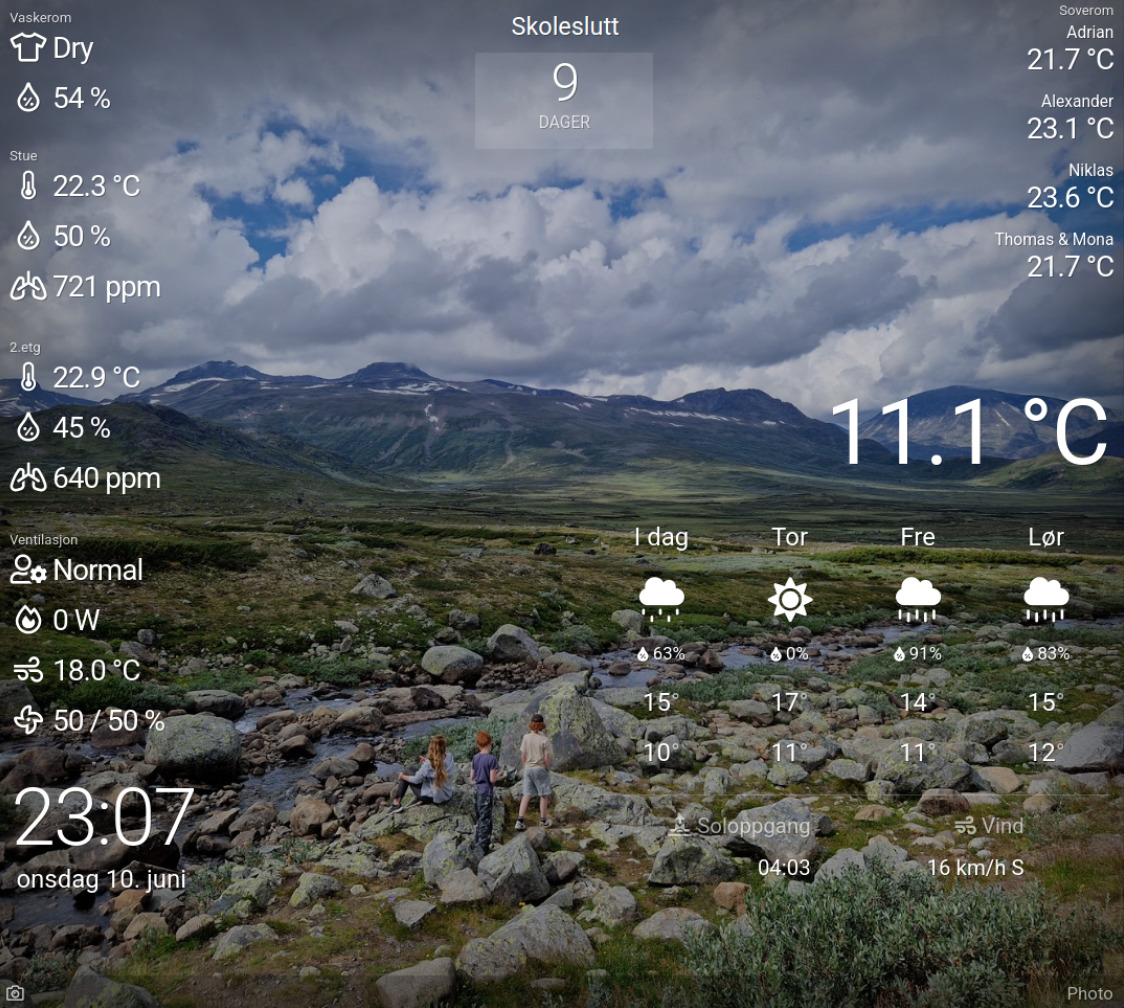
Our Dakboard layout has slowly evolved over time. This is what we have now:
- Left
- Laundry room
- Clothes wet/dry
- Humidity
- Livingroom + 2nd floor
- Temperature
- Humidity
- CO2
- Ventilation
- Operating mode
- Heater power
- Supply air temperature
- Fan speed in/out
- Time and date
- Laundry room
- Center
- Countdown in days to certain events
- Currently school summer break
- Countdown in days to certain events
- Right
- Bedroom temperatures
- Outside temperature
- Four-day weather forecast
The background photo is a random selection of certain albums on our locally hosted Immich server.
Calendar events are pulled from Proton Calendar using the ics format.
Wrapping it up
Simple and effective. Dakboard can access only what I whitelist in my Caddyfile, and never sees the long-lived access token.
Tightened security — same functionality 🔐