Posts tagged: home-assistant
Securing Home Assistant API access for Dakboard — with Caddy

Back in 2021 I added Home Assistant sensor data to our Dakboard monitor. But I did so using a long-lived access token directly on the Dakboard blocks — which is not great for a couple of reasons: …
Using the Shelly Plus Plug S to measure homelab power

I’m using a Shelly Plus Plug S smart plug to measure the power usage of my homelab. I added it as a device in Home Assistant — and the power readings began! Kind of… Within a few days; I noticed …
Measuring outdoor temperature with a Raspberry Pi and DS18B20 probe

We have a Dakboard digital calendar in our kitchen — showing lots of house and temperature data. So naturally; it must show the actual outdoor temperature as well. To do this I used a Raspberry Pi 2, …
(Re)set the time on our Komfovent ventilation system

Our Komfovent balanced ventilation system is pretty bad at accurate timekeeping — the time drifts several minutes over the course of a few months. This is a bit annoying as the operator panel is …
Making my own NVR — with a streaming proxy and FFmpeg

I’ve been thinking about getting some CCTV cameras for a while, and last summer I purchased two Reolink PoE cameras. The footage is stored on a SD card, and uploaded to a local FTP server. But I also …
Raspberry Pi security alarm — the basics

In November last year — I started building a DIY security alarm system, using a Raspberry Pi as the controller. My plan was to make a self-sustained system, using proper alarm hardware — like PIR …
A few more ventilation automations in Home Assistant

Controlling my Komfovent balanced ventilation system through Home Assistant — opens up a world of possibilities. Here are three automations I use to make the system a bit smarter 🙂
More ducts for the balanced ventilation

We got balanced ventilation installed last year, and have been very happy with the system 🙂 But we quickly found that we needed to expand it into two more rooms — the 1st floor bathroom, used as the …
PowerWalker UPS, NUT, and Home Assistant

I’m using a Raspberry Pi to communicate with the power equipment in my homelab rack; the UPS, ATS and PDU. For the UPS, I’m using NUT (Network UPS Tools), and for the ATS and PDU; my own PowerWalker …
Using Tibber to control a smart plug — through Home Assistant

We’re using Tibber as our electricity supplier — we have the Tibber Pulse reading our power usage and making it available in Home Assistant, through an integration. But Tibber also controls our …
Wi-Fi relays for controlling ventilation — WeMos D1, MQTT, and Home Assistant

We recently got balanced ventilation installed, and I have interfaced it with Home Assistant. However — the ventilation unit have three “special modes” that can not be enabled through the Modbus …
Making a manual security alarm in Home Assistant

Using a few cheap sensors, a wireless keypad, Zigbee2MQTT and Home Assistant; I was able to get a basic security alarm up and running during a free afternoon 🙂
Interfacing Komfovent C6 in Home Assistant
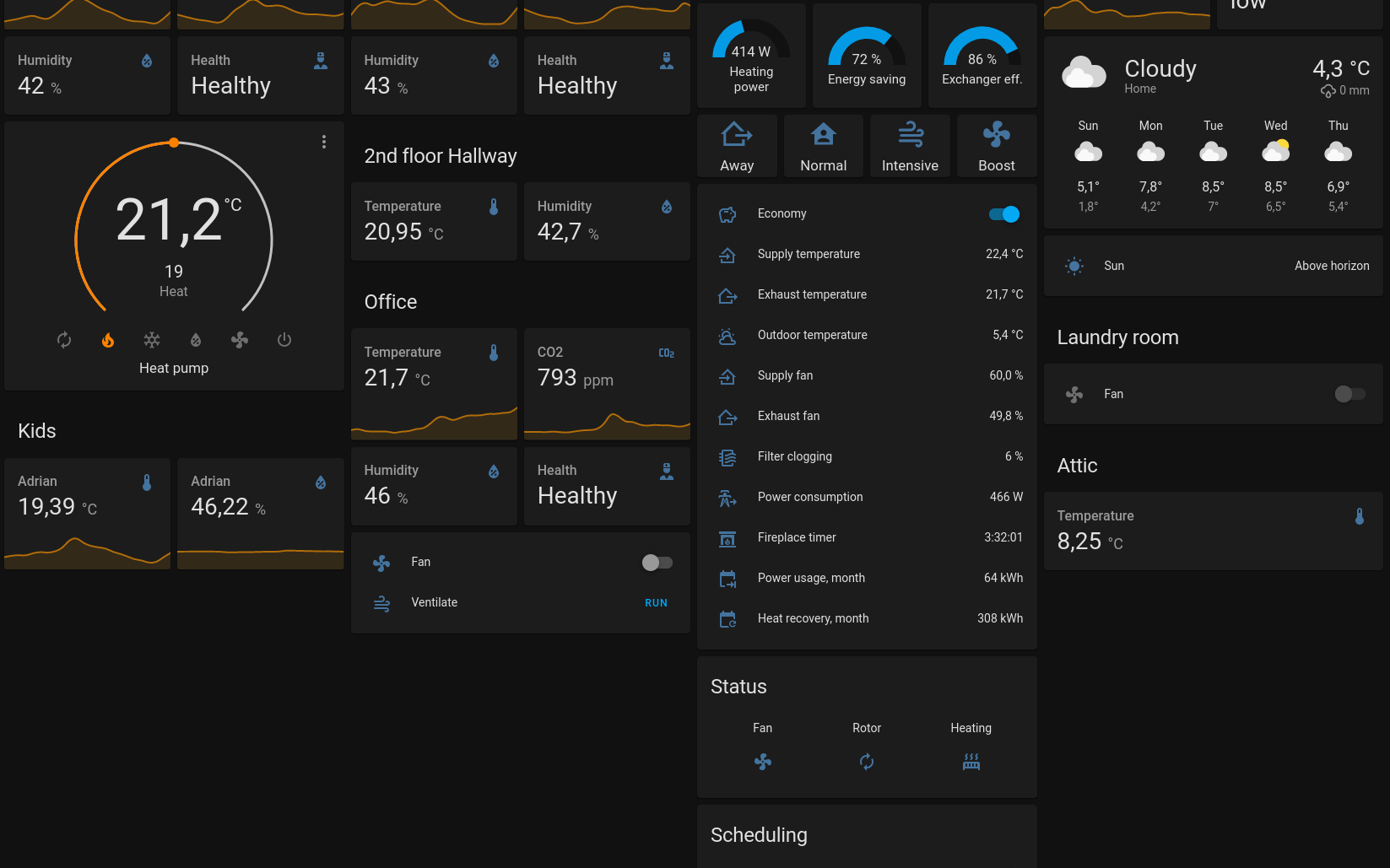
We recently got balanced ventilation installed, and discovered that our ventilation unit has Modbus TCP/IP support. I even found a thread on the Home Assistant community talking about interfacing the …
Controlling the Raspberry Pi HDMI port — with MQTT and Home Assistant

We have a Raspberry Pi driven digital calendar in the kitchen. I’m currently using crontab to turn the HDMI port off at night, and when we’re at work. But a much more flexible solution is to control …
DAKboard external data — using Home Assistant

Earlier this year I put up a Raspberry Pi powered DAKboard display. It shows photos from our Google Photos albums, the time and weather, and most importantly; our shared calendar. But I’d like it to …
Home office ventilation — controlled by CO₂ level

I recently watched Jeff Gerling’s video on CO₂ levels, and how to monitor it. My home office is also in the basement, with no windows. So I paid attention to the air quality when setting up down here. …
Raspberry Pi with DS18B20 temperature sensors

I made a simple HAT (Hardware Attached on Top) for the Raspberry Pi to read multiple DS18B20 temperature sensors — it was surprisingly easy. I used the measured temperatures to control a fan using …
Kids alarm module, Raspberry Pi Zero, and MQTT

A kids alarm module, with buttons and lights. Powered by a Raspberry Pi Zero, connected to WiFi and MQTT.
Making a WiFi MQTT controlled relay for Home Assistant

Making a single relay controlled with WiFi MQTT from Home Assistant, using WeMos D1 mini board.